
Specify Premcrete in NBS.
Add Premcrete products and systems to your specification with confidence.
Specification made simple.
Premcrete products are listed on NBS Source, so you can add them straight into your NBS specification with up-to-date technical data.
Four steps
Step one
Click ‘Add to NBS spec’.
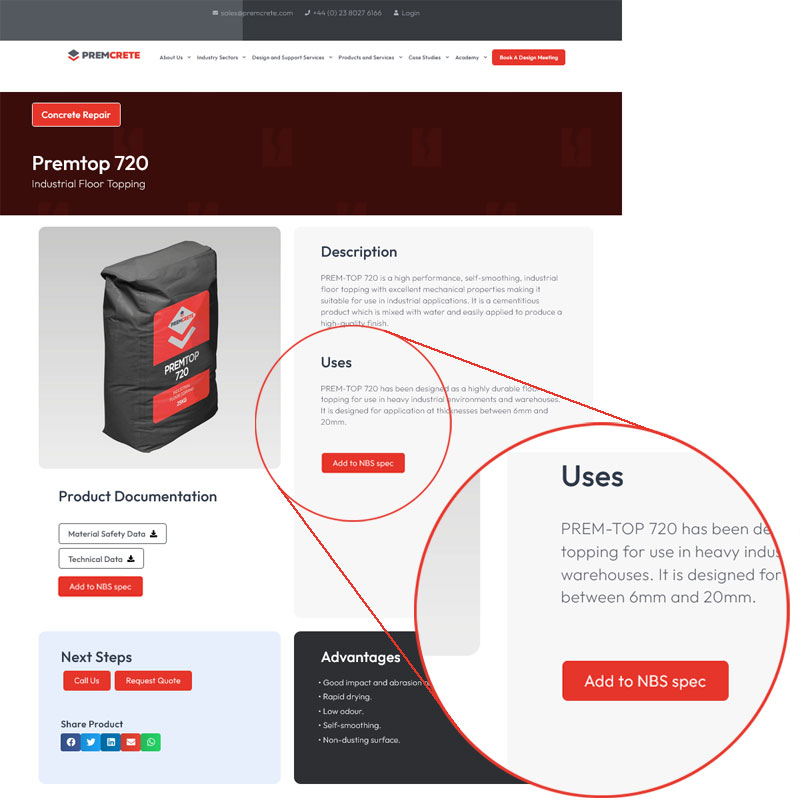
Find a product using the product search or by category, then click the red ‘Add to NBS spec’ button on its product page. NBS Source opens in a new tab.
Step two
Click NBS’s ‘Add to spec’.
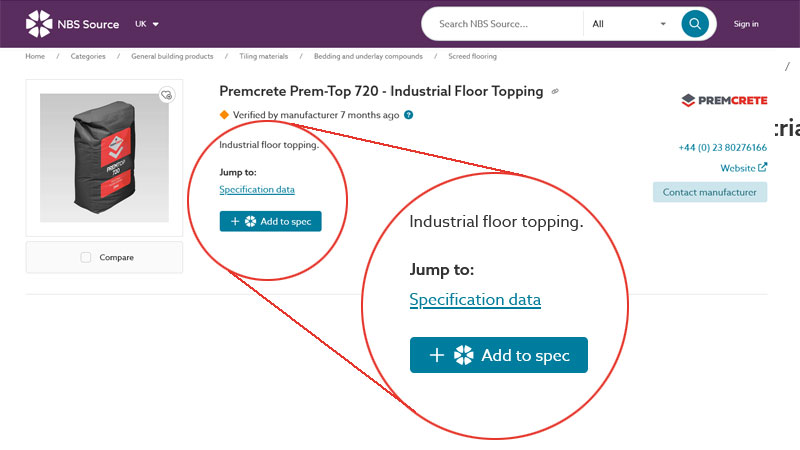
On the NBS Source product page, click the blue ‘Add to spec’ button.
Step three
Paste into NBS Chorus.
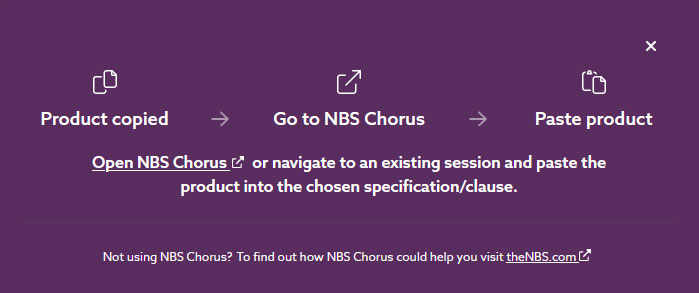
NBS confirms the specification has been copied. Paste it straight into your NBS Chorus specification.
Step four
Need a hand?
If a product doesn’t have an ‘Add to NBS spec’ button, or you’d like your specification checked against your design, contact our team.